Casabeza Numerics puts your household's price history in your pocket.
Open it at the shelf, log what you paid and who you bought it from, and the entry joins a running record for that item. Every variety is tracked separately — the 500ml and the 1L of the same product each have their own price history — so comparisons stay meaningful when pack sizes differ.
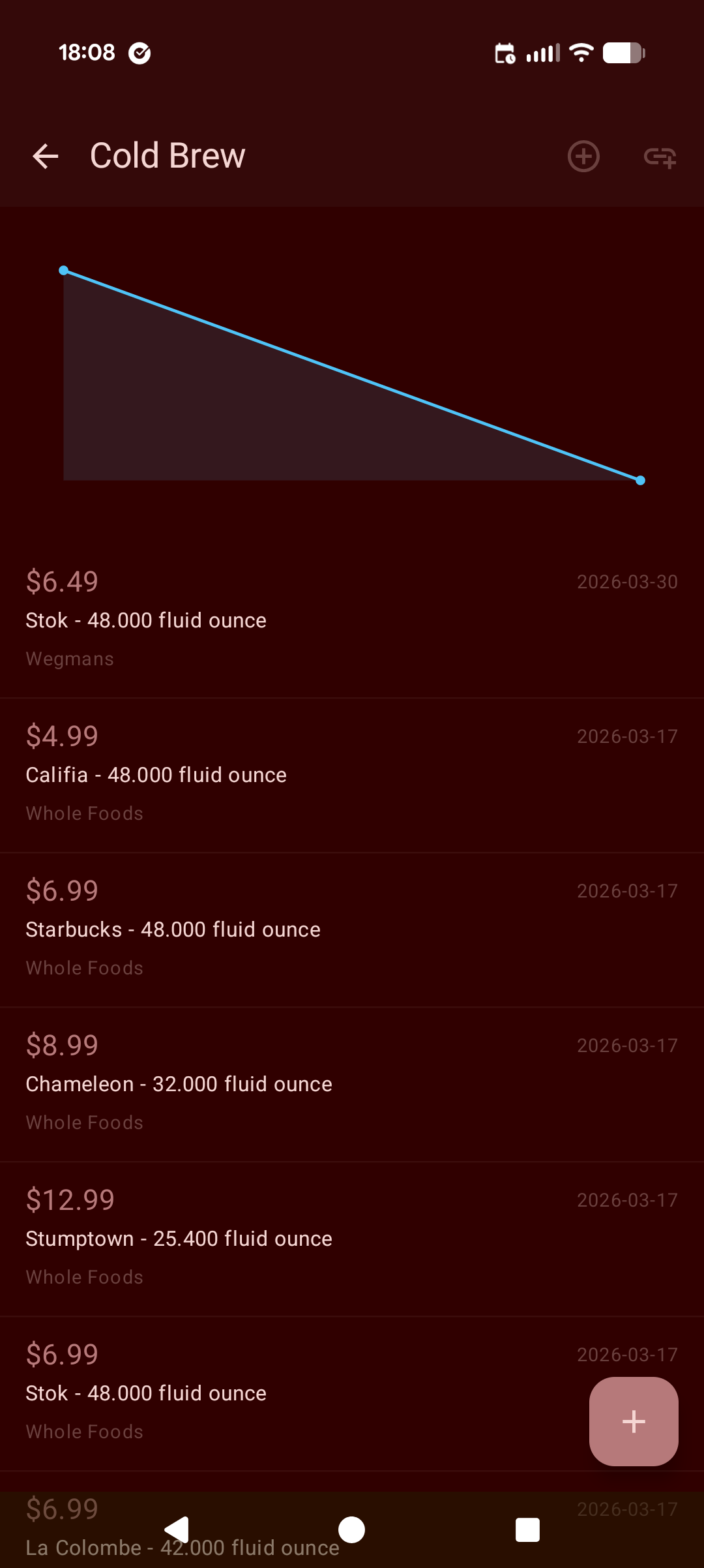
The detail screen shows a chart of every entry across all varieties, plotted over time. Prices that have moved become visible. Vendors that consistently undercut become obvious.
Everything syncs to your Casabeza account. A price logged by anyone in the household is immediately visible to everyone.
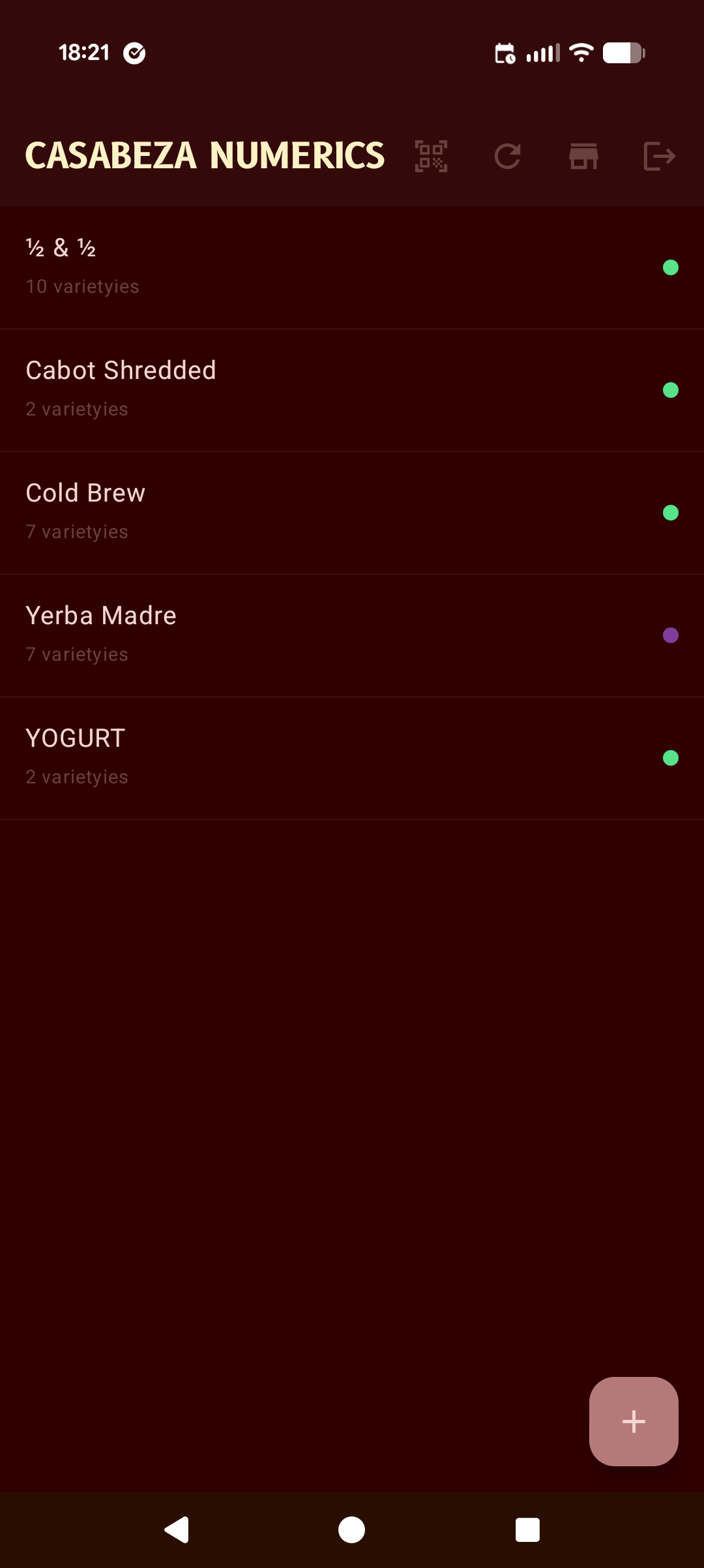
All tracked consumables at a glance. Variety counts and colour-coded category dots let you scan the list without opening anything.
A live chart plots every price entry across varieties. The full purchase log sits below — vendor, variety, cost, and date on each record.
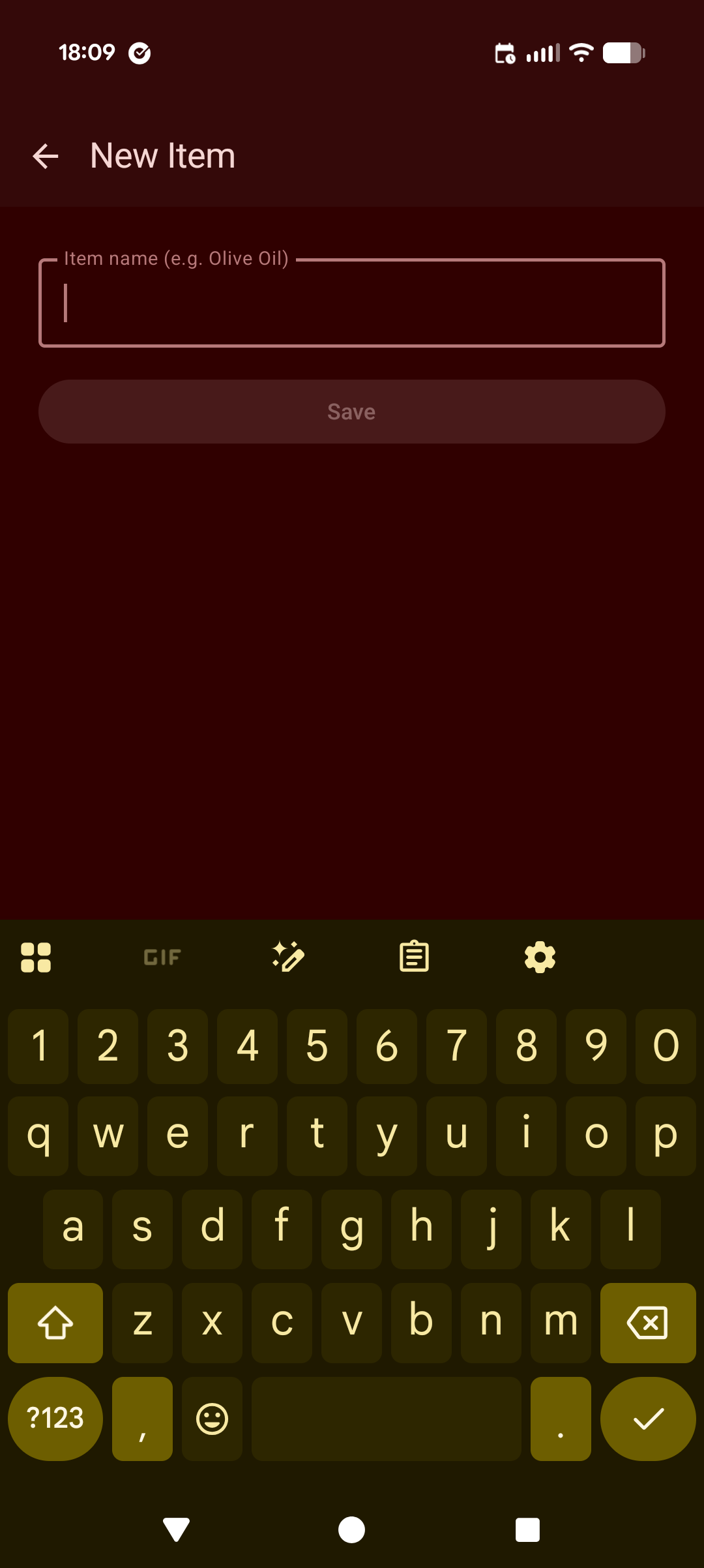
Add a consumable in one field. Varieties and price entries come after — the item itself is just a name.
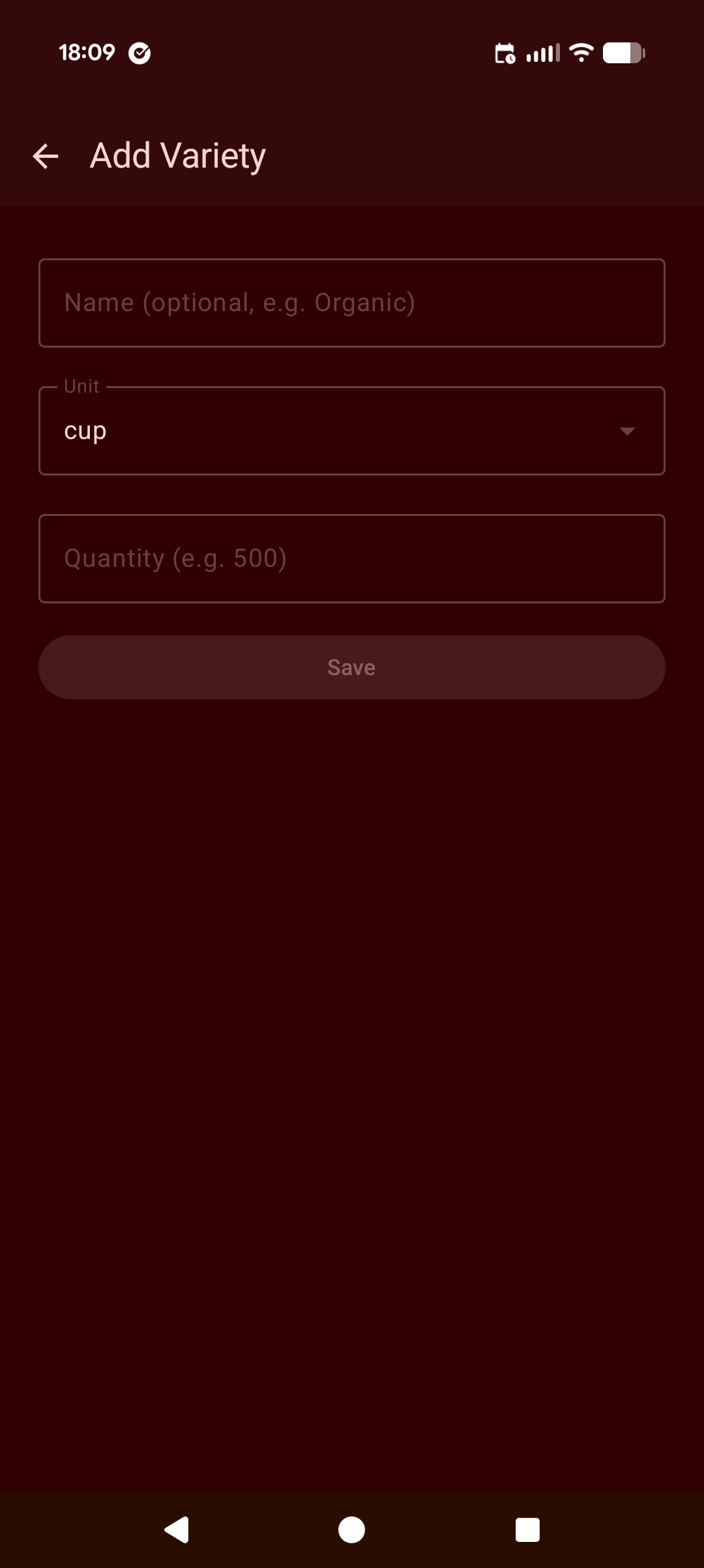
Define a size or formulation: an optional distinguishing name, a unit, and a quantity. All price entries for this variety normalise to cost-per-unit.
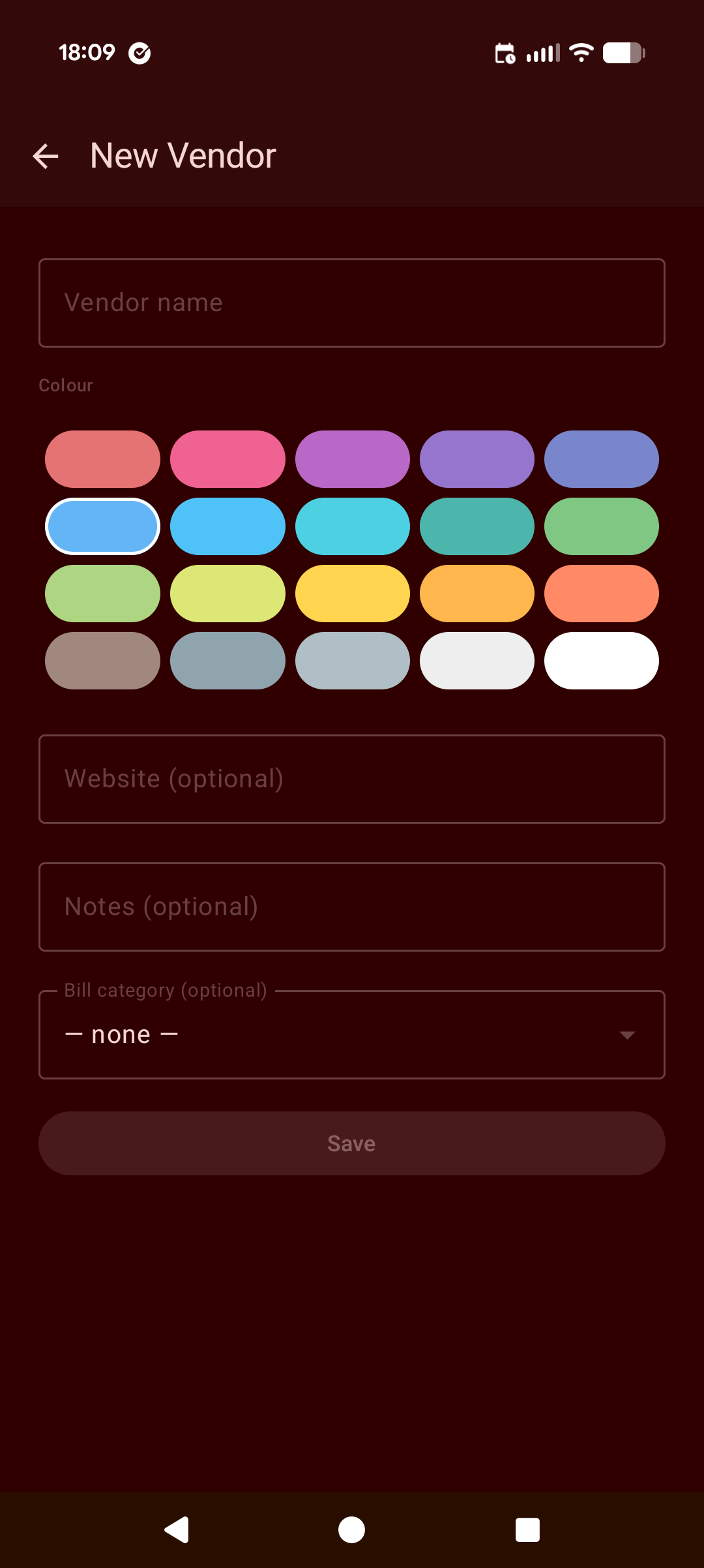
Give each supplier a name and a colour. The colour surfaces as a dot on the item list — a visual shorthand for where something comes from.
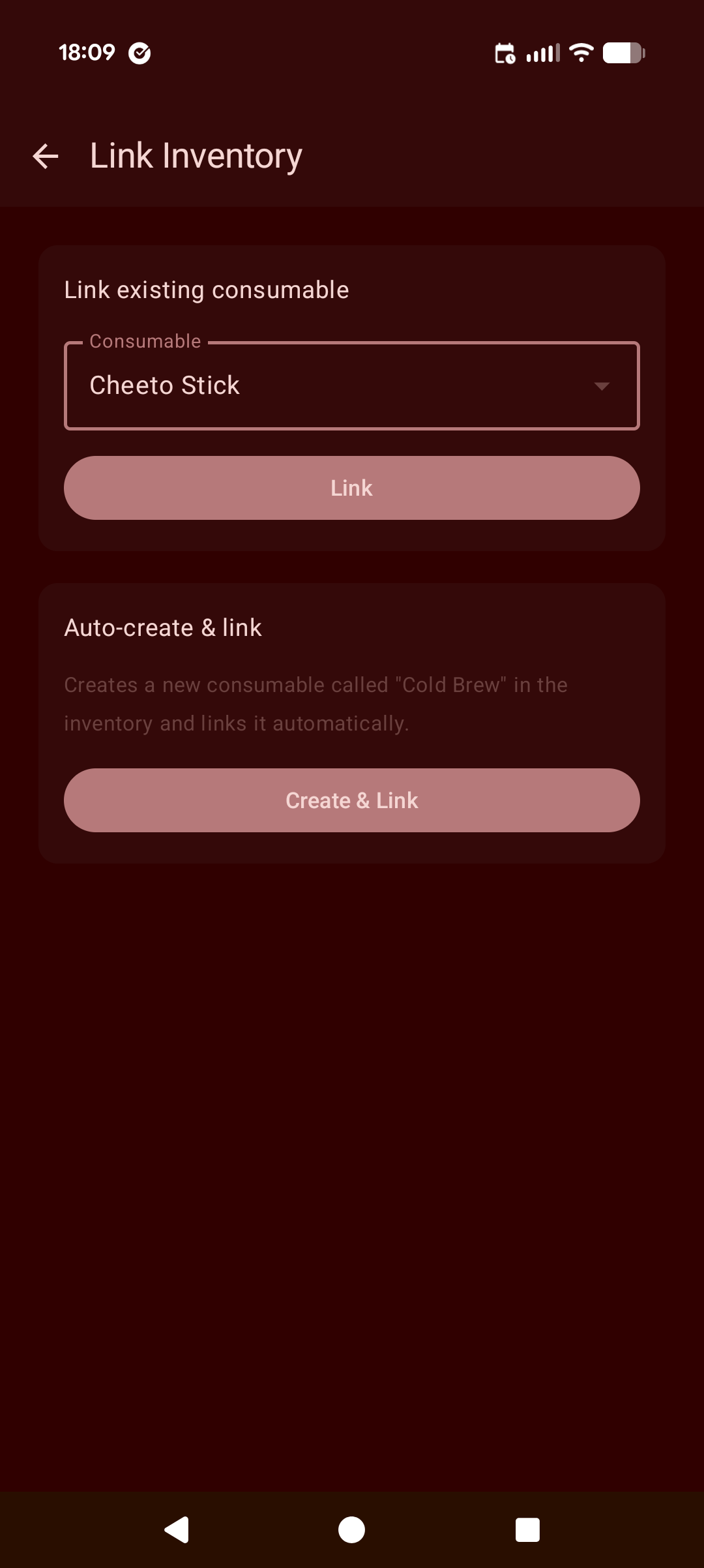
Connect a numeric item to its inventory counterpart — either by selecting an existing consumable, or letting the app create and tag one automatically.