Casabeza Scanner is the physical input layer for your home.
Tap an NFC tag on an appliance and the event fires to your MQTT broker in under a second. Open continuous scan mode and point the camera at any barcode or QR code — the decoder runs at live framerate and publishes each read automatically.
The desktop client receives every scan in real time and responds: opening an item record, incrementing stock, logging a location change. No navigation on your end. One interaction, one result.
The scanner identifies itself to the broker with a stable reader ID. Fixed installations — a phone mounted at a storage shelf or doorway — stay identifiable across restarts and reconnects. A 30-second heartbeat lets the rest of the system know the reader is live.
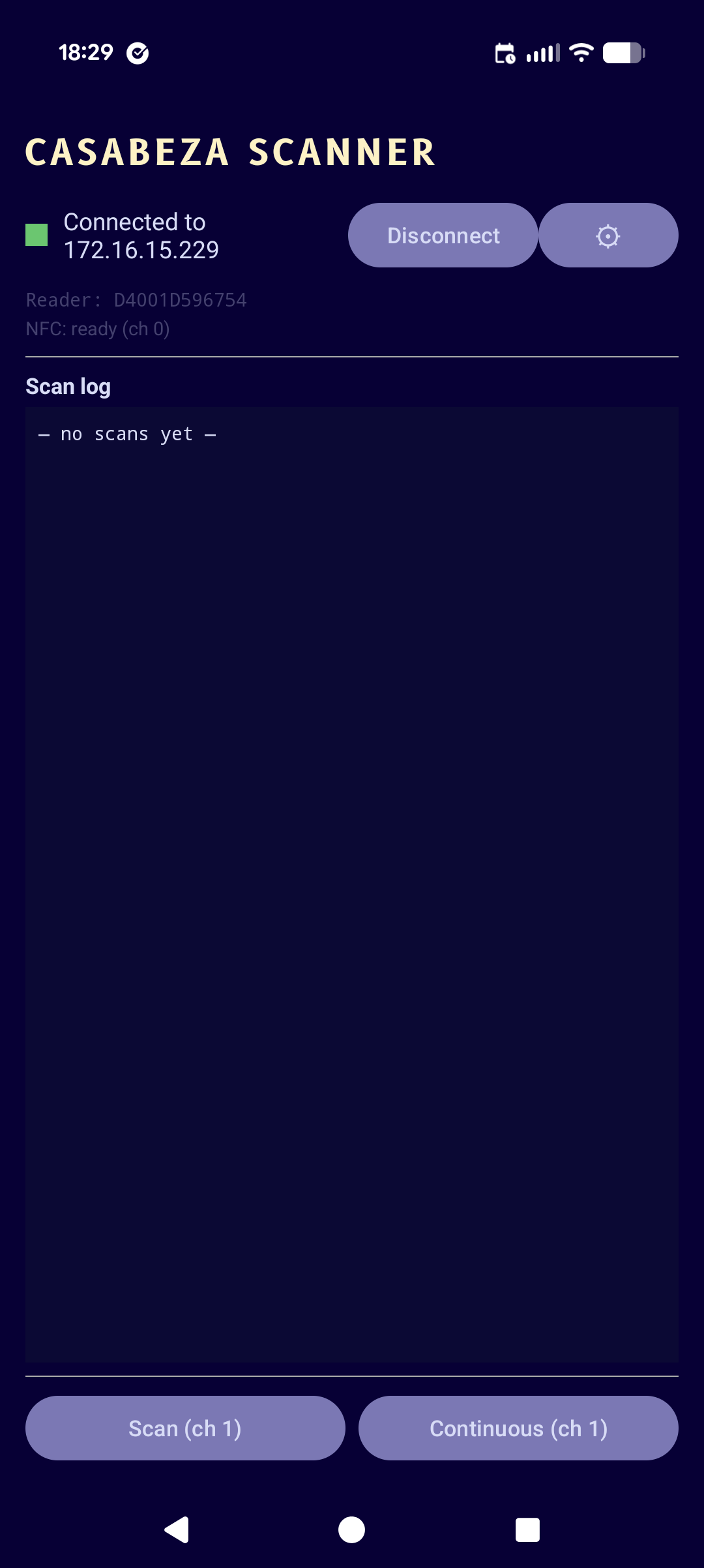
Connection status, reader identity, and the live scan log. NFC is always listening in the foreground. Camera scanning is one tap away.
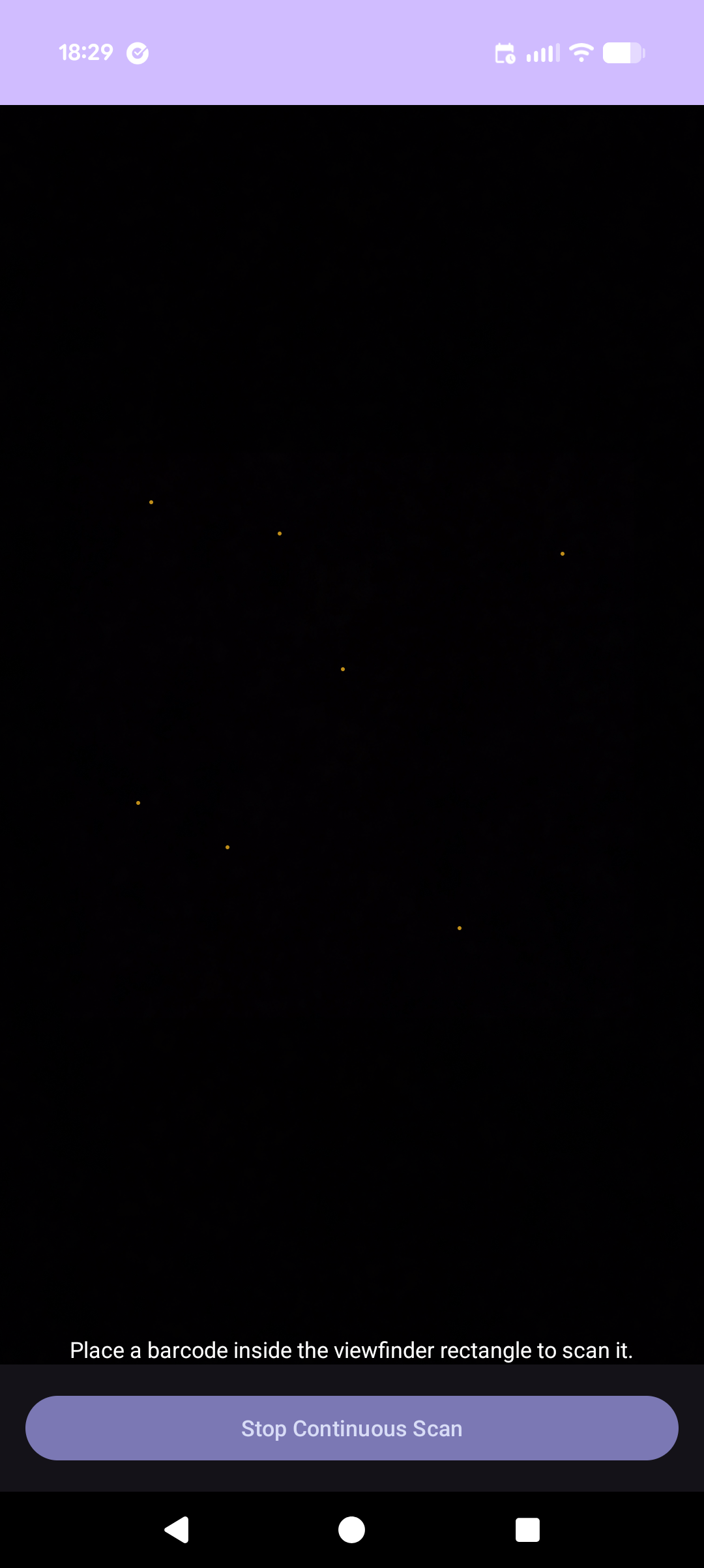
Full-screen camera mode for barcode and QR scanning. Point and hold — the decoder runs continuously and fires an event on each new read.
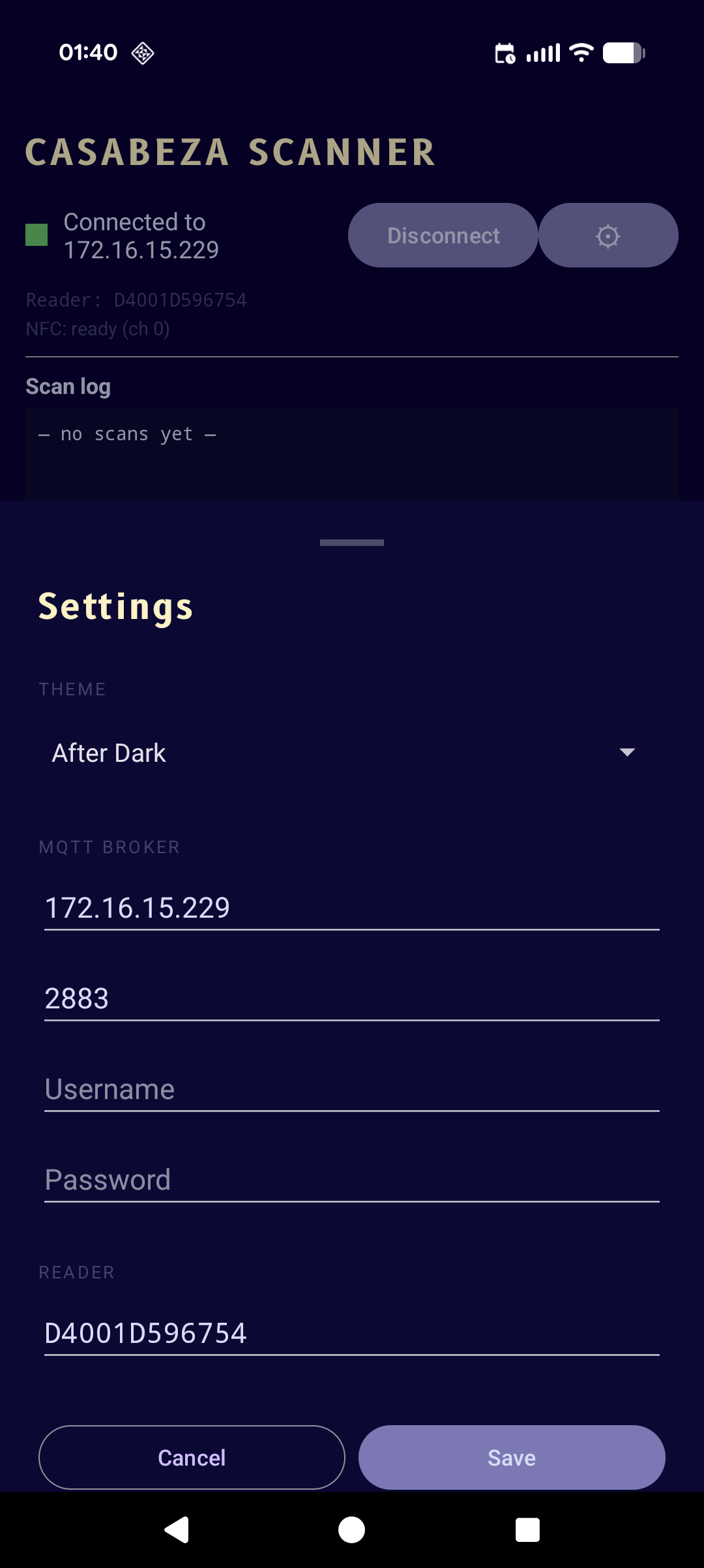
MQTT broker address, credentials, theme selection, and reader ID — all persistent across restarts. The reader ID is stable from first launch.